How to Send Money to Africa with Zobo
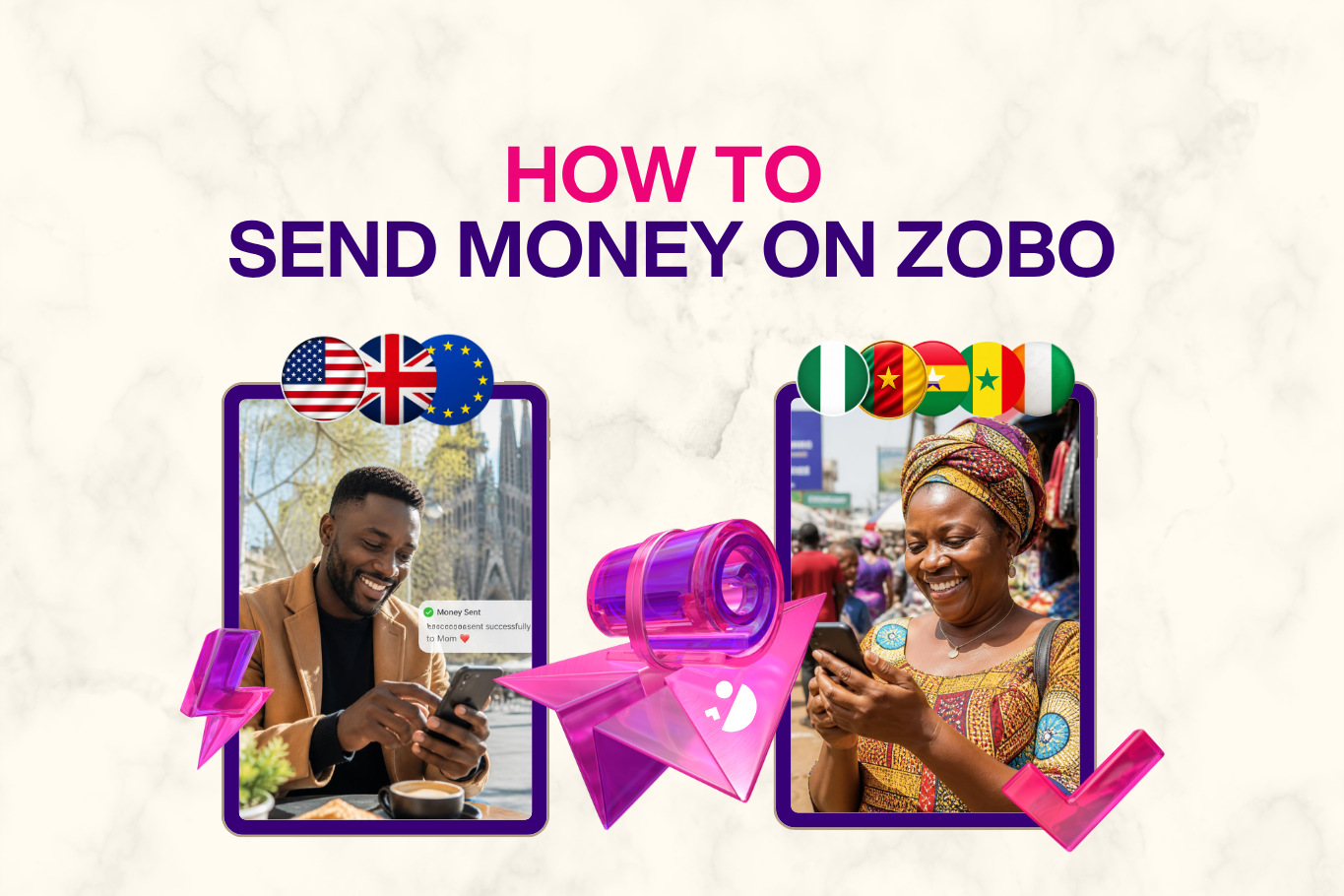
Once your Zobo account is verified, you enjoy the fastest and cheapest way to send money home
Whether you are supporting family, paying a bill, covering school fees or sending a gift, Zobo lets you send money to supported African countries directly to your recipient’s bank account or mobile money wallet.
This guide covers both ways to send money to Africa with Zobo, step by step.
Bank Transfer vs Mobile Money: How Can Your Recipient Receive Money With Zobo?
Zobo currently offers two main delivery methods, depending on the recipient’s country and the options available in the app:
- Bank transfer: The money is delivered directly to your recipient’s bank account.
- Mobile money: The money is delivered directly to your recipient’s supported mobile money wallet.
Your delivery method is different from your payment method.
The delivery method determines how your recipient receives the money, while your payment method determines how you pay for the transfer on Zobo.
Let’s go through both options.
How to Send Money to Africa With Zobo: Bank Transfer
Choose bank transfer when you want the money delivered directly to your recipient’s bank account.
Step 1: Log In to Your Zobo Account
Open the Zobo Money app and log in using your preferred sign-in method.
Once you’re logged in, start a new transfer.
Step 2: Enter the Amount You Want to Send
Enter the amount you want to send in USD, GBP or EUR, depending on your country of registration.
As soon as you enter the amount, Zobo displays:
- The real-time exchange rate
- The exact amount your recipient will receive in their local currency
Depending on the destination, your recipient can receive NGN, GHS, XOF or XAF.
This means you can see exactly how much your recipient is expected to receive before moving forward with the transfer.
Step 3: Select Bank Transfer as the Delivery Method
Under the available delivery methods, choose Bank Transfer.
This tells Zobo that you want the money delivered directly to your recipient’s bank account.
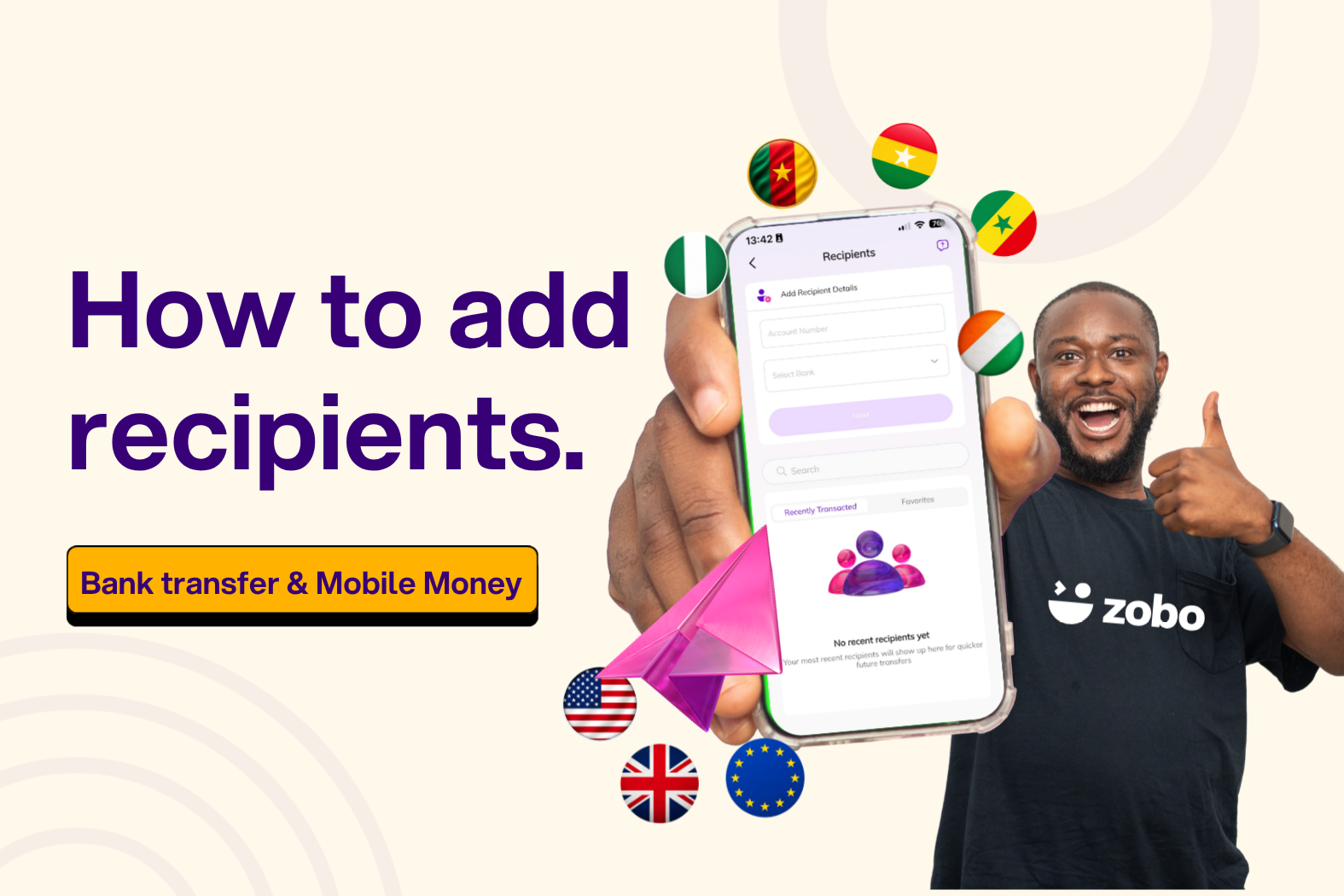
You can then enter the recipient’s bank information.
Enter your recipient’s details
You will need:
- Account number
- Bank name: select the recipient’s bank from the list in the Zobo app
Zobo automatically pulls the account name associated with the details for confirmation.
Always double-check the account name and account number before proceeding. A wrong account number can delay the transfer or send the money to the wrong account.
Step 4: Review Your Bank Transfer
Before you confirm the transaction, Zobo takes you to the Review Page where you can see the full transfer summary.
Review:
- Total amount being sent
- Recipient’s bank details
- Current exchange rate
- Transaction fee: ZERO
- Total amount you will be debited
- Bonus, if you would like to add a little extra to the transfer
- Coupon, if you have a valid coupon code or reward to apply
Take a moment to check everything, particularly the recipient’s bank details and the amount they will receive.
Step 5: Choose How You Want to Pay
Your payment method is how you fund the transfer. This is separate from the bank transfer delivery method you selected for your recipient.
By default, Zobo uses the registered debit card on your account.
If you want to use another available payment option, you can:
- Tap Change Card to add another debit card
- Select Apple Pay
- Select bank account
The options available to you may depend on your country and account.
You will also be asked to select the reason for your transfer from the options provided in the app, such as:
- Family support
- Education
- Gift
- Business
- Other available reasons
Step 6: Confirm and Send
Once you’ve reviewed everything, tap Proceed.
You’ll immediately see your transfer status update to show that the transaction has been:
- Initiated
- Processing
Zobo will also send you in-app and email notifications as your transfer progresses.
How to Send Money to Africa With Zobo: Mobile Money
If your recipient prefers receiving money directly into a mobile money wallet, select Mobile Money instead of Bank Transfer.
The exact mobile money providers available will depend on the recipient’s country.
Step 1: Log In to Your Zobo Account
Open the Zobo Money app and log in.
Start a new transfer from your account.
Step 2: Enter the Amount You Want to Send
Enter the amount in USD, GBP or EUR, based on your country of registration.
Zobo immediately shows you:
- The real-time exchange rate
- The amount your recipient will receive in their local currency — NGN, GHS, XOF or XAF, depending on the destination
You can review the exchange rate and expected recipient payout before continuing.
Step 3: Choose Mobile Money as the Delivery Method
Select Mobile Money from the available delivery methods and tap Send Money.
Next:
- Choose the recipient’s currency.
- Enter the recipient’s mobile money number.
- Select their mobile money provider.
- Double-check the number and provider.
- Tap Proceed.
Make sure the mobile money number belongs to the person you intend to send money to. An incorrect number may delay or affect the transfer.
Step 4: Review Your Mobile Money Transfer
Before confirming, Zobo shows you the complete transaction on the Review Page.
Check:
- Total amount being sent
- Recipient’s mobile money details
- Current exchange rate
- Transaction fee: ZERO
- Total amount you will be debited
- Bonus, if you want to add a little extra
- Coupon, if you have a valid coupon code or reward
Confirm that the mobile money number, provider and recipient payout are correct before moving on.
Step 5: Choose Your Payment Method and Reason for Transfer
Next, choose how you want to pay for the transaction.
By default, payment is made using the registered debit card on your Zobo account.
To use another available method:
- Tap Change Card to add another debit card
- Select Apple Pay
- Select bank transfer
You will also need to select your reason for sending money from the pre-configured options in the app, such as family support, education, gift or business.
Step 6: Confirm and Send
Once everything looks correct, tap Proceed to complete your mobile money transfer.
You will immediately see confirmation that the transfer has been:
- Initiated
- Processing
Zobo will continue to update you through in-app and email notifications as the transaction progresses.
Track Your Zobo Transfer in Real Time
Whether you send money through bank transfer or mobile money, you can monitor the transfer directly from your Zobo dashboard.
You’ll be able to see:
- When your transfer is initiated
- When it is processing
- When the recipient receives the money
- Whether any issue requires your attention
This means you don’t have to keep calling home to ask whether the money has arrived. You can follow the transfer directly from the Zobo app.
Tips for a Smooth Zobo Transfer
- Double-check your recipient’s details. Whether you’re using a bank account or mobile money number, confirm the information before proceeding.
- Review the exchange rate before sending. Zobo shows your rate and recipient payout upfront.
- Confirm the delivery method. Make sure you’ve selected bank transfer or mobile money based on how your recipient wants to receive the funds.
- Review the final payout. Check exactly how much your recipient will receive before confirming.
- Use a coupon code if you have one. Enter it on the Review Page before completing your transaction.
- Track the transfer in the app. Zobo keeps you updated from initiation to completion.
Need Help?
If you have questions or encounter an issue while sending money to Africa, contact the Zobo support team through:
- Live chat directly from the Zobo Money app
- Email: support@zobo.money
Frequently Asked Questions
Does Zobo charge fees to send money?
No. Zobo charges zero transaction fees on transfers.
You can review the exchange rate, recipient payout and total amount you’ll be debited before you confirm the transaction.
How is the delivery method different from the payment method?
Your delivery method determines how your recipient receives the money — through their bank account or mobile money wallet.
Your payment method is how you fund your Zobo transfer, such as your registered debit card, Apple Pay or bank transfer.
Can I track both bank and mobile money transfers?
Yes. Zobo provides real-time transfer updates regardless of the delivery method you select.
You can monitor the transfer directly from your Zobo dashboard and receive in-app and email notifications as the status changes.
What currencies can I send with Zobo?
You can send USD, GBP or EUR, depending on your country of registration.
Recipients in supported African countries receive their local currency, including NGN, GHS, XOF or XAF, depending on the destination.
Send Money Home With Zobo
Whether your recipient prefers money delivered directly to their bank account or mobile money wallet, Zobo gives you both options in one app.
You can see the exchange rate and recipient payout before confirming, pay zero transaction fees, choose your preferred payment method and track the transaction from the moment you send it until it arrives.
Log in to your Zobo account and choose the delivery method that works best for your recipient.