How to Add Your Debit Card on Zobo Money App
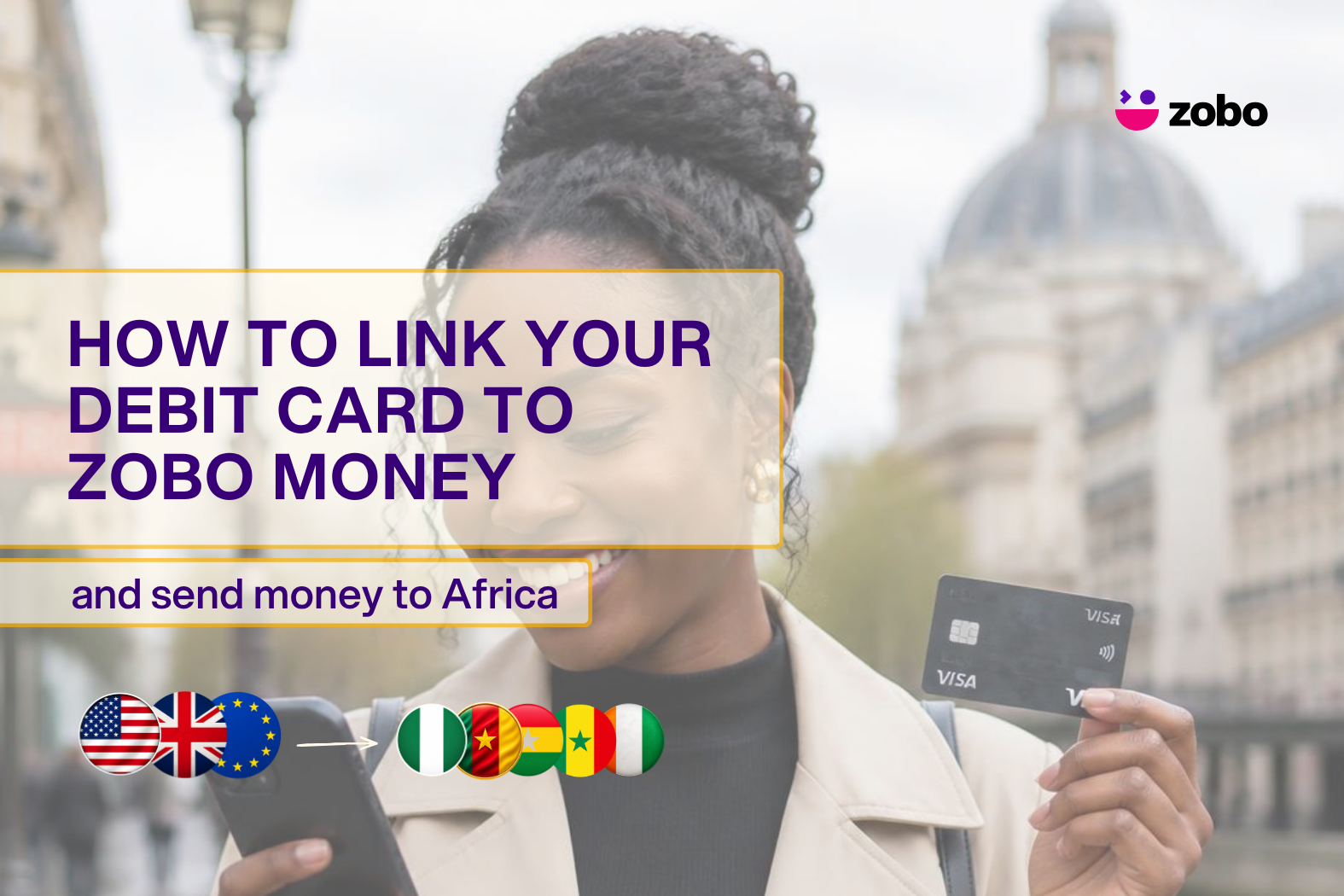
Adding your debit card is the fastest way to send money home with Zobo Money. Once your card is connected, your next transfer from the US, UK or Europe to Nigeria, Ghana, Cameroon, Ivory Coast, or Senegal takes just a few taps.
This guide walks you through exactly how to add a debit card to Zobo, step by step, plus what to do if something goes wrong.
How do I add a debit card to Zobo Money?
To add a debit card to Zobo, log in, tap your profile icon in the top-left corner, open the Card section, tap “Add new card,” then “Connect new debit card,” enter your card details, and tap “Submit.” Your card is saved and ready to use for your next transfer. The whole process takes less than a minute.
Here’s the full walkthrough:
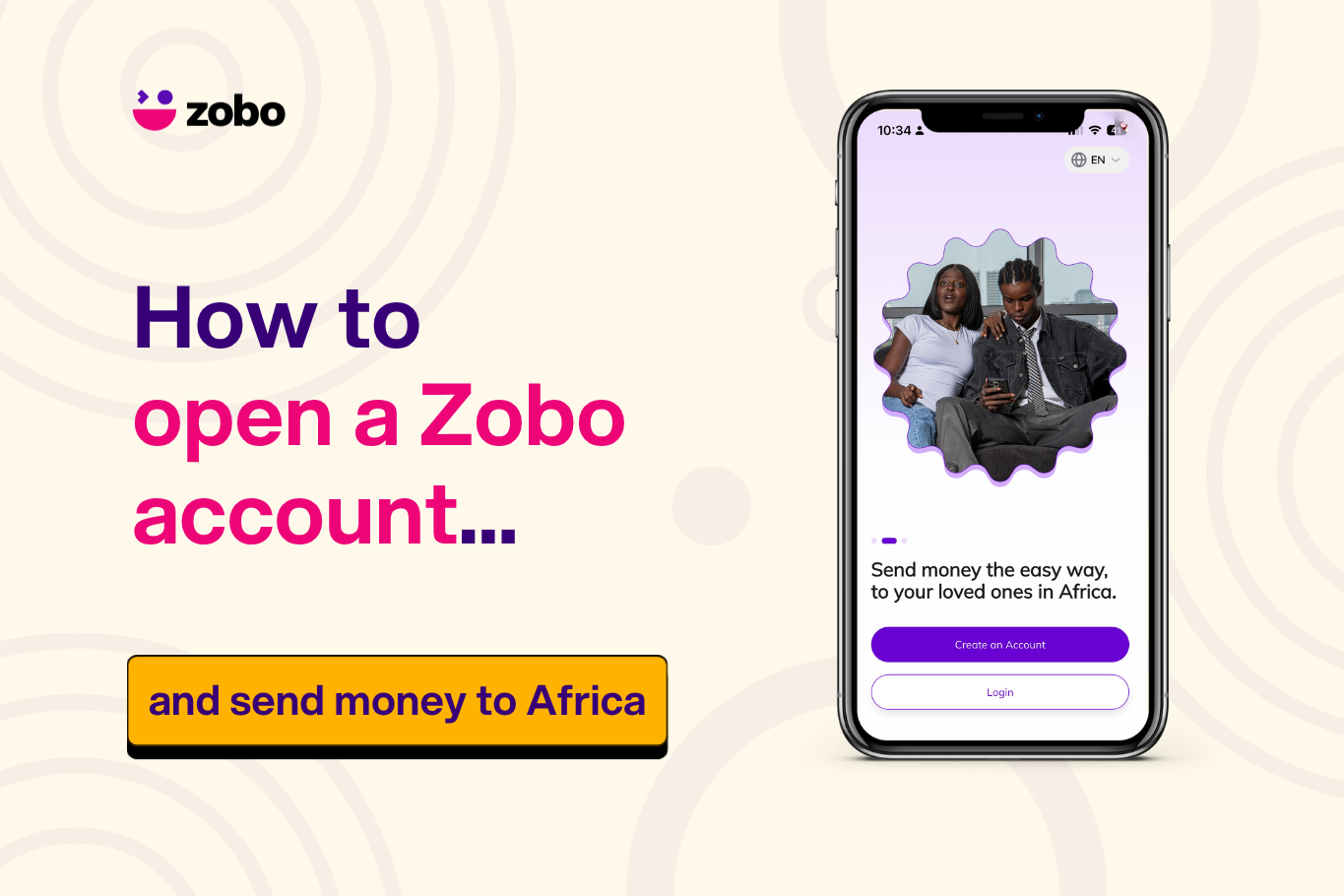
- Log in to your Zobo Money app. If you haven’t created an account yet, sign up first and complete your account setup. You’ll also need a verified profile before you can send, so it’s worth finishing your identity verification on Zobo at the same time.
- Tap your profile icon. You’ll find it in the top-left corner of your home screen.
- Open the Card section. Look for the Card button in your profile and tap it.
- Tap “Add new card.” This opens the card setup screen.
- Tap “Connect new debit card.” Choose this option to link a debit card specifically.
- Enter your card details. Type in your card number, expiry date, and security code (CVV) exactly as they appear on your card.
- Submit. Your debit card is now saved to your Zobo account and ready to use.
That’s it. The next time you go to send money home, your card will already be there waiting.
What debit cards does Zobo Money accept?
Zobo Money is built for the African diaspora sending money from the US, UK, and Europe. It accepts most major debit cards issued in those regions, including Visa and Mastercard. If your card was issued by a recognised bank in the United States, the United Kingdom, or across Europe, it will work with Zobo.
Wherever you’re sending from, the money reaches your people in their local currency — naira in Nigeria, cedis in Ghana, CFA francs across Cameroon, Ivory Coast, and Senegal.
Is it safe to add my debit card to Zobo Money?
Yes. Your card details are encrypted, and Zobo uses secure payment processing to protect your information. You enter your details once, and your card is saved so you don’t have to type it in for every transfer. You can remove a saved card from your profile at any time.
What to do if your debit card is declined on Zobo
If your card won’t connect or a payment fails, try these checks:
- Confirm your details. Make sure the card number, expiry date, and CVV are entered correctly.
- Check your balance. An insufficient balance is one of the most common reasons a card is declined.
- Contact your bank. Some banks block international or online transactions by default. A quick call usually clears it.
- Try another card. If you have a second debit card, add that one instead.
If it still won’t go through, reach out to Zobo support from inside the app, and the team will help you sort it out.
Frequently asked questions
- Can I add more than one debit card to Zobo Money? Yes. You can save multiple cards to your profile and choose which one to use each time you send money.
- Do I need a verified account before adding a card? You’ll need a verified profile to send money, so it’s best to complete your account verification early. Adding your card and verifying your identity together gets you ready to send in one sitting.
- Can I use a credit card instead of a debit card? No, Zobo does not support credit cards.
- How long does it take to add a card? Less than a minute. Once you submit your details, your card is saved instantly.
- Will I be charged to add my card? No. Adding a card to your Zobo account is free.
Ready to send?
Once your debit card is connected, you’re set. Open Zobo, choose who you’re sending to, and the full amount lands with no transaction fees and a competitive rate you can see before you send.