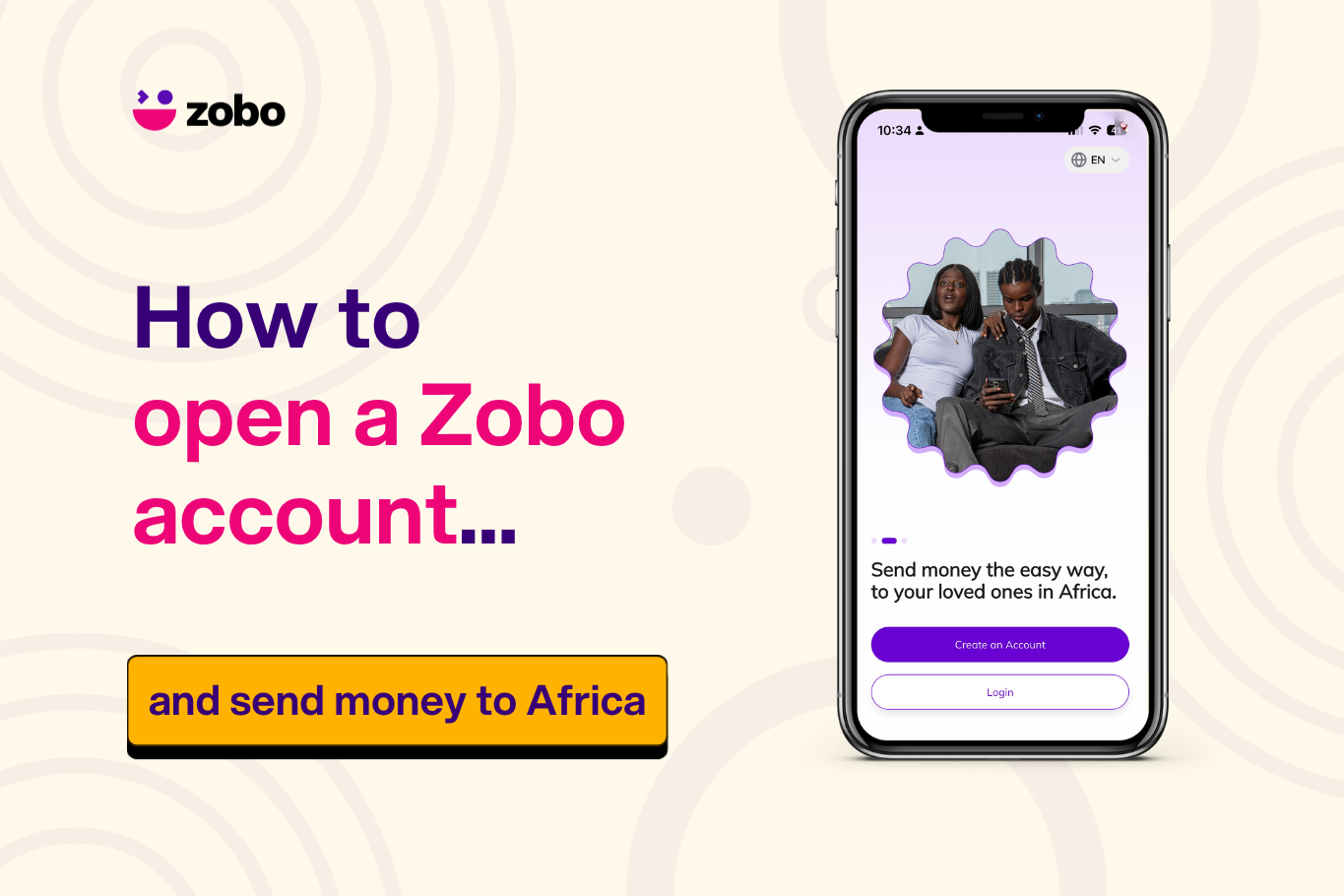
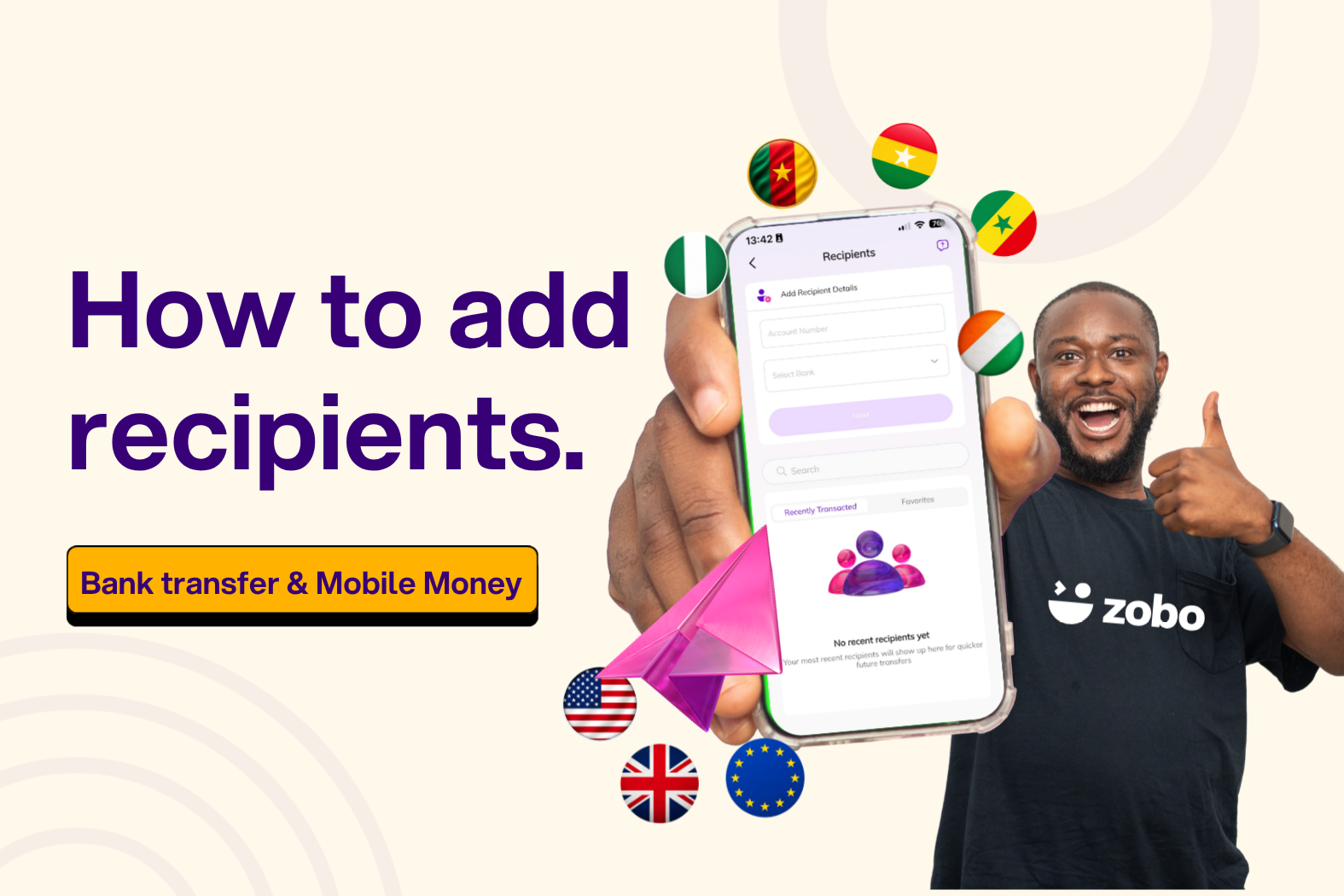
How to Complete Your ID Verification KYC on Zobo Money
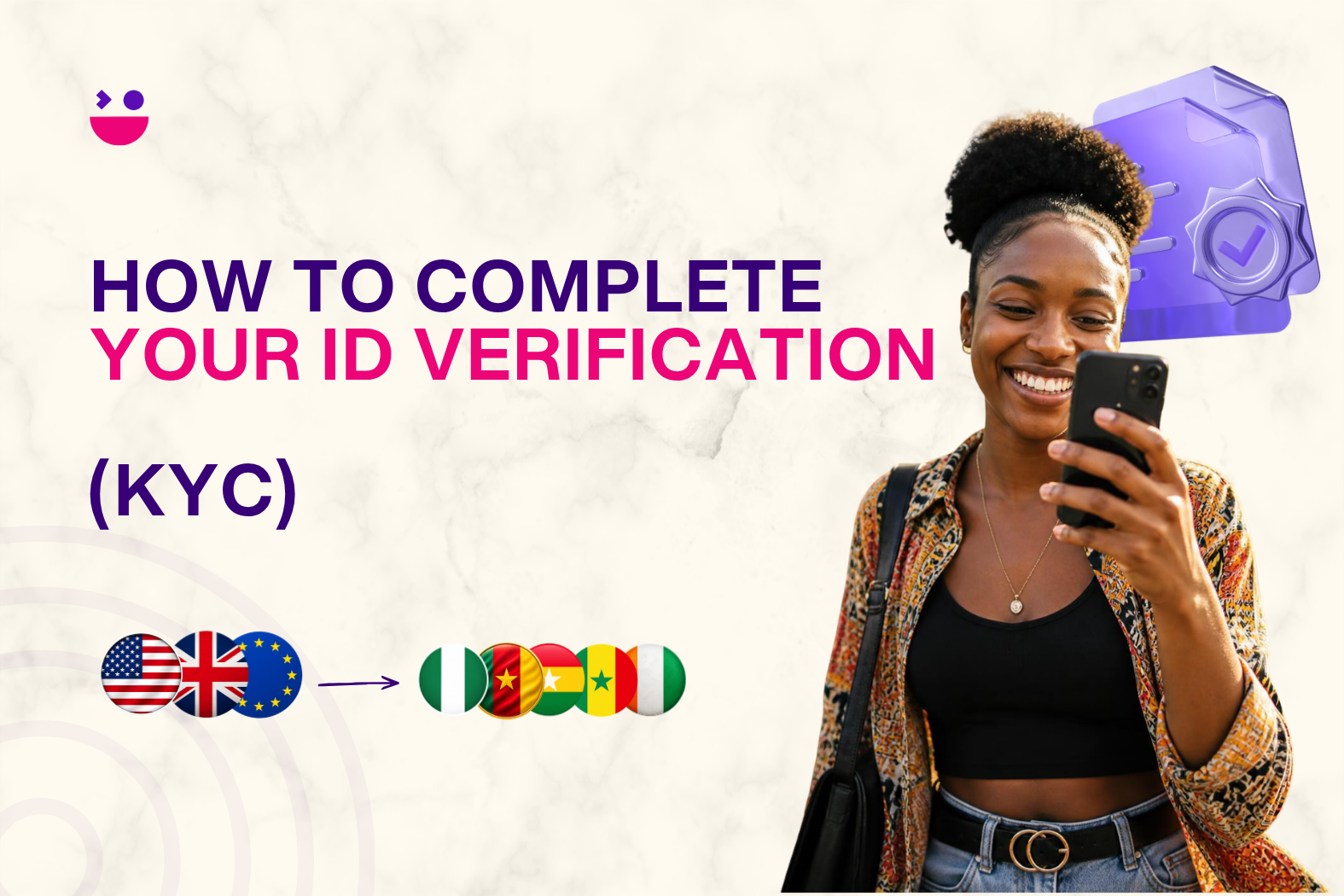
Before you can send money home with Zobo, there is one quick step that unlocks everything: Completing your KYC. It takes just a few minutes and only needs to be done once.
What Is KYC and Why Does It Matter?
KYC stands for Know Your Customer. It is a standard identity verification process required by financial regulators in the US, UK, and Europe for all money transfer services.
In simple terms, it is how Zobo confirms that you are who you say you are.
This protects you. It keeps your account secure and ensures that nobody can send money using your identity without your knowledge. Every regulated remittance app, including Zobo, is legally required to complete this step before processing transfers.
Think of it as the lock that keeps your money safe.
What Does Completing Your KYC Unlock on Zobo Money?
Once your KYC is verified, your Zobo account is fully activated. Here is what you get access to:
- Send money to Africa: transfer funds to Nigeria, Ghana, Cameroon, Ivory Coast, Senegal and more with zero transaction fees.
- Competitive exchange rates: see the exact naira, cedi, or CFA payout before you confirm every transfer.
- Multiple payment methods: fund transfers via debit card, credit card, Apple Pay, Google Pay, or bank transfer.
- Real-time transfer tracking: know the moment your money lands.
- Virtual EUR and GBP wallets: available for UK and European users.
- Fast transfers: most transactions complete within minutes.
- Access to the Zobo referral program: once verified, your unique referral code is unlocked. Share it with friends and family, when they sign up and send money, you earn $10 and they get $5 off their first transfer
Without a completed KYC, none of these features are accessible. It is the one step that unlocks the best way to send money to Africa.
What Do You Need to Complete KYC on Zobo Money?
Before you start, have the following ready:
For US users:
- Your full legal name and date of birth (as they appear on your government-issued ID)
- Your residential address: street address, city, state, and postal code
- The last 4 digits of your Social Security Number (SSN)
For UK and European users:
- Your full legal name and date of birth
- Your residential address
- A valid government-issued ID document for upload (passport, national ID, or driving licence)
How to Complete Your KYC on Zobo Money: Step by Step
KYC on Zobo is completed in three simple steps directly inside the app.
Step 1: Confirm Your Personal Information Enter your full legal name and date of birth exactly as they appear on your official ID. This must match your government records — any discrepancy can delay verification.
Step 2: Provide Your Address Details Enter your current residential address including:
- Country
- Street address
- State
- City
- Postal code
Step 3: Complete Identity Verification
US users: Enter the last 4 digits of your Social Security Number. This is required to comply with US financial regulations and is used solely for identity verification purposes.
UK and European users: Upload a clear photo or scan of a valid government-issued ID document. Make sure the document is not expired and all details are clearly visible.
Once all three steps are submitted, Zobo reviews your information. In most cases verification is completed quickly and you will receive a confirmation in the app.
Why Is My KYC Taking Longer Than Expected?
In most cases KYC verification on Zobo is completed within minutes. However there are a few reasons it may take longer:
- Information mismatch If the name or date of birth you entered does not exactly match your official ID, the system may flag it for manual review. Double-check that everything is entered as it appears on your government-issued document — including middle names if applicable.
- Address not matching records If your address cannot be verified against official records, verification may be delayed. Make sure you are using your current residential address and that it is entered correctly.
- ID document issues (UK/Europe) If your uploaded document is blurry, expired, or partially obscured, it will need to be resubmitted. Use a well-lit environment and ensure all four corners of the document are visible in the photo.
- High verification volume Occasionally, high demand may cause slight delays in processing. This is rare but can happen.
If your KYC has been pending for longer than expected, contact Zobo support via live chat in the app, email at support@zobo.money, or call +1 877 801 5004.
Frequently Asked Questions About Completing Your KYC on Zobo Money.
- Is it safe to provide my SSN to Zobo? Yes. Zobo only requires the last 4 digits of your SSN — not the full number. This is a standard requirement under US financial regulations and is used solely to verify your identity. All data is protected with bank-grade encryption.
- Do I need to complete KYC every time I send money? No. KYC is a one-time process. Once verified, your account remains active and you can send money without repeating verification.
- What happens if my KYC is rejected? If your verification is unsuccessful, Zobo will notify you in the app with the reason. In most cases you can correct the information and resubmit. Contact support if you need assistance.
- Can I use Zobo before my KYC is complete? You can create an account and explore the app, but you will not be able to send money to africa until your KYC is verified.
- What ID documents does Zobo accept for UK and European users? Zobo accepts a valid passport, national identity card, or driving licence. The document must be current and clearly legible.
- How long does KYC take on Zobo? Most verifications are completed within minutes. In some cases it may take a little longer depending on the information provided.
- Is my personal information stored securely? Yes. Zobo uses bank-grade security and encrypted processing to protect all personal data provided during the KYC process.
Your KYC Is the Key to Everything
Completing your KYC on Zobo is the one step that unlocks fast, zero-fee transfers to Nigeria, Ghana, Cameroon, Ivory Coast, Senegal and more. It takes a few minutes, needs to be done only once, and keeps your account and your money protected.
Download Zobo Money on the App Store or Google Play and complete your verification today.
Create your Zobo Money account, complete your verification and send money to Africa today.
Have questions? Contact support@zobo.money or connect with @zobomoneyapp on X, Tiktok, Instagram and LinkedIn.